Swiss Design Principles for Web Designers: Grids, Type & White Space
A practical guide to Swiss design for web designers: how grid systems, typography, and white space translate from print into clean, usable websites.
Updated:
Born in 1950s Switzerland, the International Typographic Style—commonly known as Swiss design—established principles that still define modern digital design today. When you see a website that feels clean, organized, and effortlessly readable, you are likely seeing Swiss design principles at work.
For web designers, understanding Swiss design is not about copying an aesthetic. It is about grasping a set of ideas that transcend medium and era. These principles emerged from print design, but they translate remarkably well to screens. The same clarity that made Swiss posters effective makes websites usable. The same grid systems that organized magazines now structure responsive layouts.
This article breaks down the core principles of Swiss design and shows how to apply them to web design today. Whether you are building a portfolio, designing a landing page, or crafting a complete design system, these ideas will help you create work that is both beautiful and functional.
A Brief History of Swiss Design
Post-War Precision
Swiss design emerged in the 1950s in Switzerland, a country known for precision, neutrality, and craftsmanship. While much of Europe was rebuilding, Swiss designers developed an approach that rejected ornament in favor of clarity.
The movement coalesced around two cities: Zurich and Basel. At the Zurich School of Arts and Crafts and the Basel School of Design, educators developed a rigorous approach to visual communication that would influence design worldwide.
The Pioneers
Several figures defined Swiss design:
Josef Müller-Brockmann became the movement’s most articulate advocate. His book “Grid Systems in Graphic Design” (1981) codified the mathematical approach to layout that remains essential reading for designers. His concert posters for the Zurich Tonhalle demonstrated that strict grids could produce dynamic, arresting work.
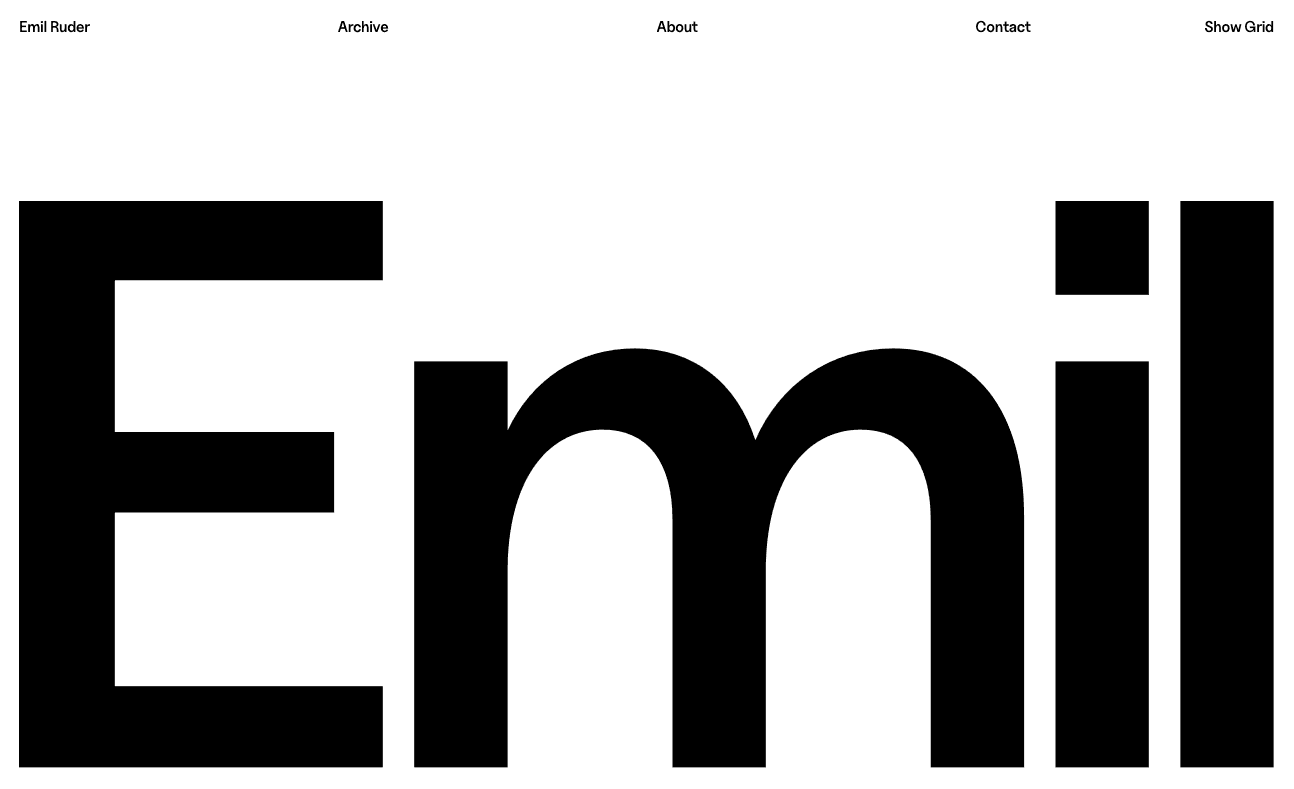
Emil Ruder focused on typography as the foundation of visual communication. His book “Typographie” (1967) argued that legibility and visual rhythm were inseparable. Ruder treated type not as decoration but as the primary tool for organizing information.
Armin Hofmann brought photography into Swiss design while maintaining its rigor. His posters proved that the principles could accommodate imagery without compromising clarity.
Max Bill connected Swiss design to the Bauhaus legacy, bringing German modernism into the Swiss context. He demonstrated that art and design could share the same systematic foundations.
From Print to Digital
What began as a print movement now defines digital interfaces. Apple’s early iOS design, Google’s Material Design, and countless SaaS applications draw directly from Swiss principles. The web’s constraints—variable screen sizes, uncertain font availability, diverse user contexts—make Swiss design’s systematic approach not just appropriate but necessary.
The Six Core Principles
Grid Systems: Structure That Sets You Free
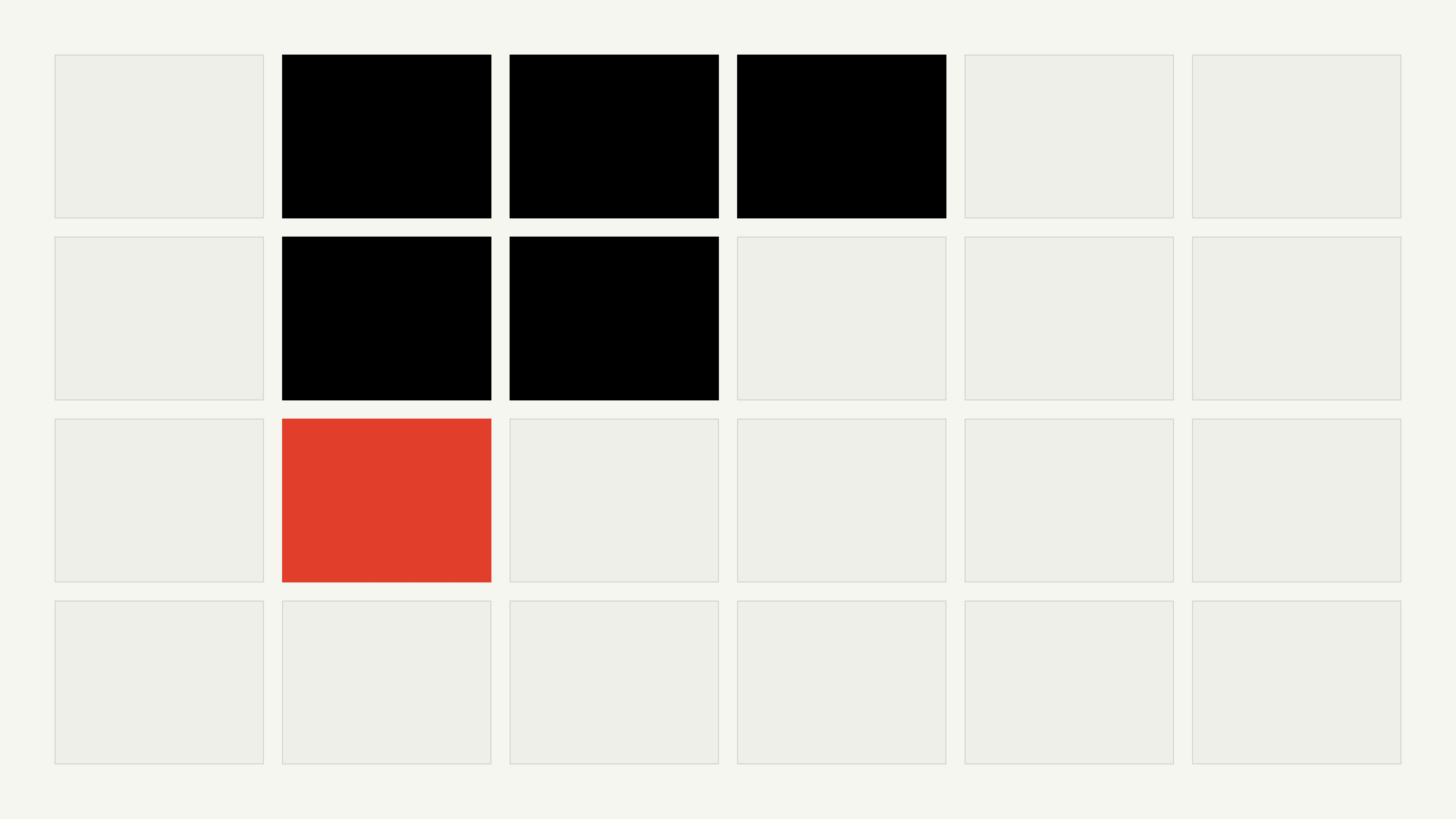
The grid is Swiss design’s most recognizable export, and its most misunderstood. People picture a cage — rigid columns that flatten every page into the same shape. In practice the grid does the opposite. By settling the boring decisions in advance (where columns fall, how wide the gutters run, how elements align), it frees you to spend judgment on the decisions that actually matter.
Müller-Brockmann called the grid “a system of order that makes the message more easily understood,” and the order is what creates the freedom. Once a layout sits on a shared structure, you can break it deliberately for emphasis — a full-bleed image, an oversized number — and the break reads as intentional rather than accidental, because the eye has a baseline to measure it against.
On the web this is no longer aspirational. CSS Grid and Flexbox make a twelve-column system trivial to build and honest to maintain across breakpoints. The discipline isn’t in setting the grid up; it’s in committing to it — treating it as a constraint every section answers to, not a guide you abandon the moment a layout gets awkward. Swiss Style, our tribute to Emil Ruder, is built this way end to end: every element lands on the same underlying structure, which is exactly why it reads as calm rather than busy.
Typography: Type as the Interface
Swiss designers didn’t decorate with type; they built with it. Emil Ruder argued that legibility and visual rhythm were inseparable — that the way words sit on a page is not a finishing touch but the primary act of communication. For a web designer that reframing matters, because on most pages type is the interface. Strip away the imagery and the gradients and what’s left is text doing the work.
The Swiss toolkit here is small on purpose:
A neutral, well-drawn sans-serif that doesn’t call attention to itself.
One or two families, with weight and size — not variety — carrying the hierarchy.
Deliberate steps between a heading and body text, so the reader’s eye knows where to go without being told.
Line spacing generous enough that paragraphs feel calm instead of crammed.
Restraint isn’t a limitation here; it’s what forces the structure to be good.
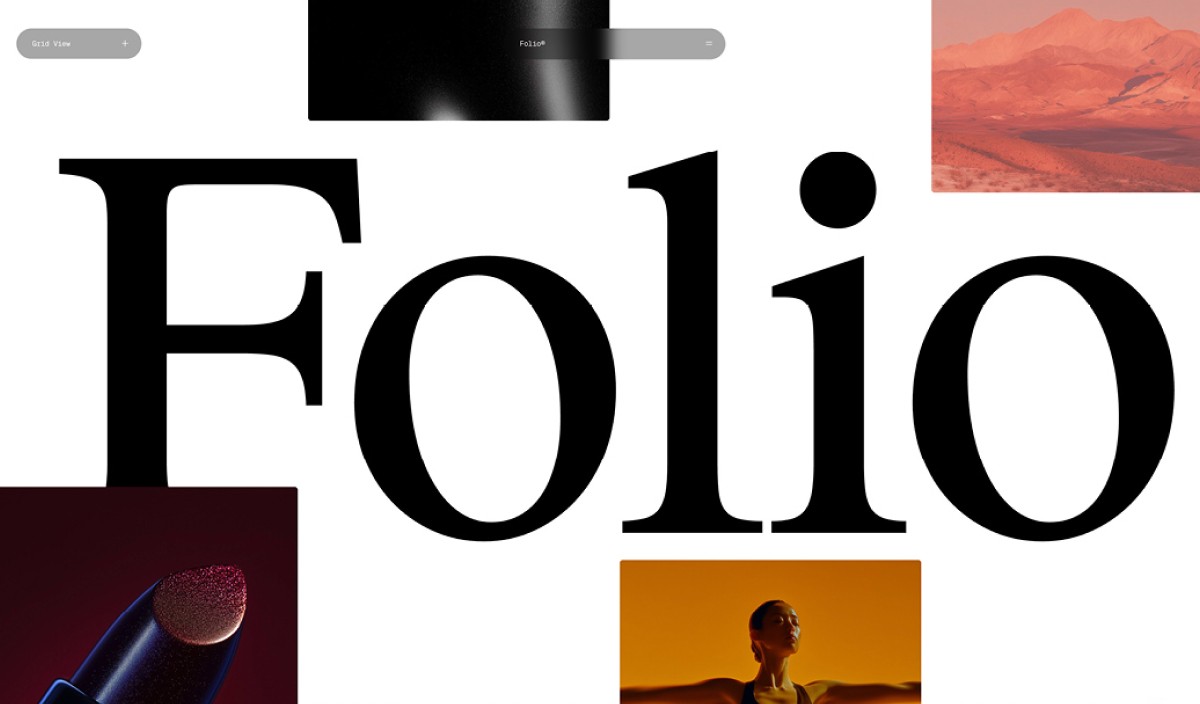
The translation to screens is direct. A face like Inter was drawn for exactly this — clarity at small sizes on a backlit display — and a type scale built on a consistent ratio (1.25 or 1.333) brings the same rigor Müller-Brockmann applied with a ruler. Define it once as variables, apply it everywhere, and typography stops being a series of one-off choices and becomes a system. You can see the payoff in a template like Swiss Folio, where the entire personality comes from type and spacing rather than ornament.
White Space: The Element You Add by Subtracting
Most interfaces fail not because they’re missing something, but because nothing is missing. Swiss designers treated empty space as a material to be shaped, not a void to be filled. Müller-Brockmann composed his Tonhalle concert posters around the space as deliberately as around the type — the silence between elements was part of the message.
The practical shift is one of order of operations. Instead of placing content and tidying up whatever gap is left over, start with the space and let content earn its way in. A headline given a full column of air reads as confident; the same headline boxed in by three buttons and a banner reads as anxious. Nothing about the headline changed — only what surrounds it.
This is also the cheapest upgrade available to most websites. You don’t need a new typeface or a full redesign to apply it: increase the padding inside your cards, double the gap between sections, and resist the reflex to fill the margins. On screens, where attention is scarce and scrolling is free, generous spacing isn’t wasted real estate — it’s how you tell the reader what matters.
Objectivity: Serve the Message, Not the Ego
Swiss design asked designers to step back — not to suppress creativity, but to point it at the viewer instead of the portfolio. The question behind every decision was simple and slightly uncomfortable: does this element help the reader understand, or does it just prove a designer was here?
That question still cuts. The animation that fires on every scroll, the gradient mesh behind the headline, the icon decorating a button whose label was already clear — each one is worth interrogating. Sometimes the honest answer is that it serves the work; photography and illustration used as information rather than embellishment absolutely earn their place. Often the answer is that it serves the designer, and that’s the cue to cut it.
Objectivity is easy to mistake for blandness, but the two aren’t related. A page can be objective and still hold a strong point of view — the point of view simply shows up in clarity, pacing, and confidence instead of effects. Every element justifies itself through function, and what survives that test tends to look, not coincidentally, like good design.
Reduction: Remove Until Only the Essential Remains
Saint-Exupéry’s line: “perfection is achieved not when there is nothing more to add, but when there is nothing left to take away” gets quoted so often it has lost its teeth. In Swiss practice it described a working method, not a mood.
Reduction is subtractive and deliberate. You start by putting everything on the page that might plausibly belong there, then remove one element at a time and watch what breaks. If nothing breaks, the element was decoration. If clarity drops, you’ve found something essential — so you put it back. The discipline is in resisting the opposite instinct: adding a divider, an icon, or a gradient because the layout “feels empty.” Empty is often the point.
For web designers the targets are everywhere. Does that button need an icon, or does the label already say it? Does the field need a separate label when good placeholder text and structure do the job? Does the page need a sidebar, or would a single focused column serve the reader better? The same logic governs color: classic Swiss work was often black, white, and a single accent — color introduced only to carry meaning, never to fill a quota. A red block in a field of grey is doing work. Six competing accent colors are doing nothing but competing.
Reduction isn’t austerity for its own sake. Remove the right element and the meaning gets sharper — keep removing until taking away the next thing would cost you clarity. That is the line.
Clarity: Communication Before Expression
Every other principle is in service of this one. A grid, a type scale, a field of white space — none of them are the goal. The goal is that someone arrives, understands, and acts without friction. Design succeeds the moment it stops needing to be interpreted.
Clarity is not the same as simplicity, and conflating them is a common trap. A dense dashboard can be perfectly clear if its density is organized; a sparse landing page can be baffling if its emptiness hides what to do next. Clarity asks for unambiguous hierarchy so attention has somewhere to go, patterns consistent enough that behavior is predictable, type that stays readable at every size, and an organization that matches what the reader already expects.
The hard part is that clarity can’t be judged from the inside. What’s obvious to the person who built the page is rarely obvious to the person seeing it for the first time. This is where the Swiss system pays off: grids, consistent spacing, and a real typographic hierarchy remove the guesswork, so the design says the same thing to everyone — which is, in the end, the whole point.
Applying Swiss Design to Web Design
Grid Systems in CSS
Modern CSS makes Swiss-style grids practical. A basic approach:
This 12-column grid accommodates layouts from single-column mobile views to complex multi-column desktop arrangements. The key is consistent usage—applying the grid to every layout decision rather than abandoning it when convenient.
Typography for Screens
Screen typography requires adaptation of Swiss principles:
Choose system-optimized fonts. Inter, SF Pro, and similar fonts were designed for screens and carry forward Swiss clarity.
Establish a type scale. Use a mathematical ratio (1.25 or 1.333) to define sizes from body text to major headings.
Use CSS variables for consistent application across components.
Test at multiple sizes. What works on desktop may fail on mobile.
Whitespace in Interface Design
Implementing Swiss whitespace means:
Define a spacing scale (4px, 8px, 16px, 24px, 32px, 48px, 64px) and use only these values
Apply generous padding inside components
Allow breathing room between sections
Resist the urge to fill empty areas
Modern Examples
Several contemporary products demonstrate Swiss principles:
Apple built its entire design language on Swiss foundations—from iOS typography to retail store design. The obsessive attention to alignment, spacing, and typographic hierarchy reflects Müller-Brockmann’s influence.
Stripe applies Swiss clarity to complex financial information. Their documentation and marketing pages use generous whitespace, strict alignment, and restrained typography.
Notion demonstrates reduction in application design. Every element serves a purpose; nothing decorates.
Common Mistakes When Applying Swiss Design
Minimalism Without Purpose
Removing elements for the sake of minimalism often backfires. Swiss design is not about having less—it is about having only what is necessary. If removing an element hurts usability, keep it. The goal is clarity, not austerity.
Forgetting Visual Hierarchy
A minimal interface still needs hierarchy. Without clear distinctions between primary, secondary, and tertiary elements, users cannot navigate content effectively. Use size, weight, color, and spacing to create unambiguous hierarchy.
Sacrificing Usability for Aesthetics
Swiss design serves communication. When aesthetic choices—gray text on white backgrounds, tiny typography, hidden navigation—interfere with usability, they violate Swiss principles. Clarity always wins.
Ignoring Context
Swiss design emerged from print. Screens have different constraints: variable sizes, interaction, motion. Apply principles thoughtfully rather than literally. What worked in a 1960s poster may not work in a 2026 mobile app.
Swiss Design in Practice
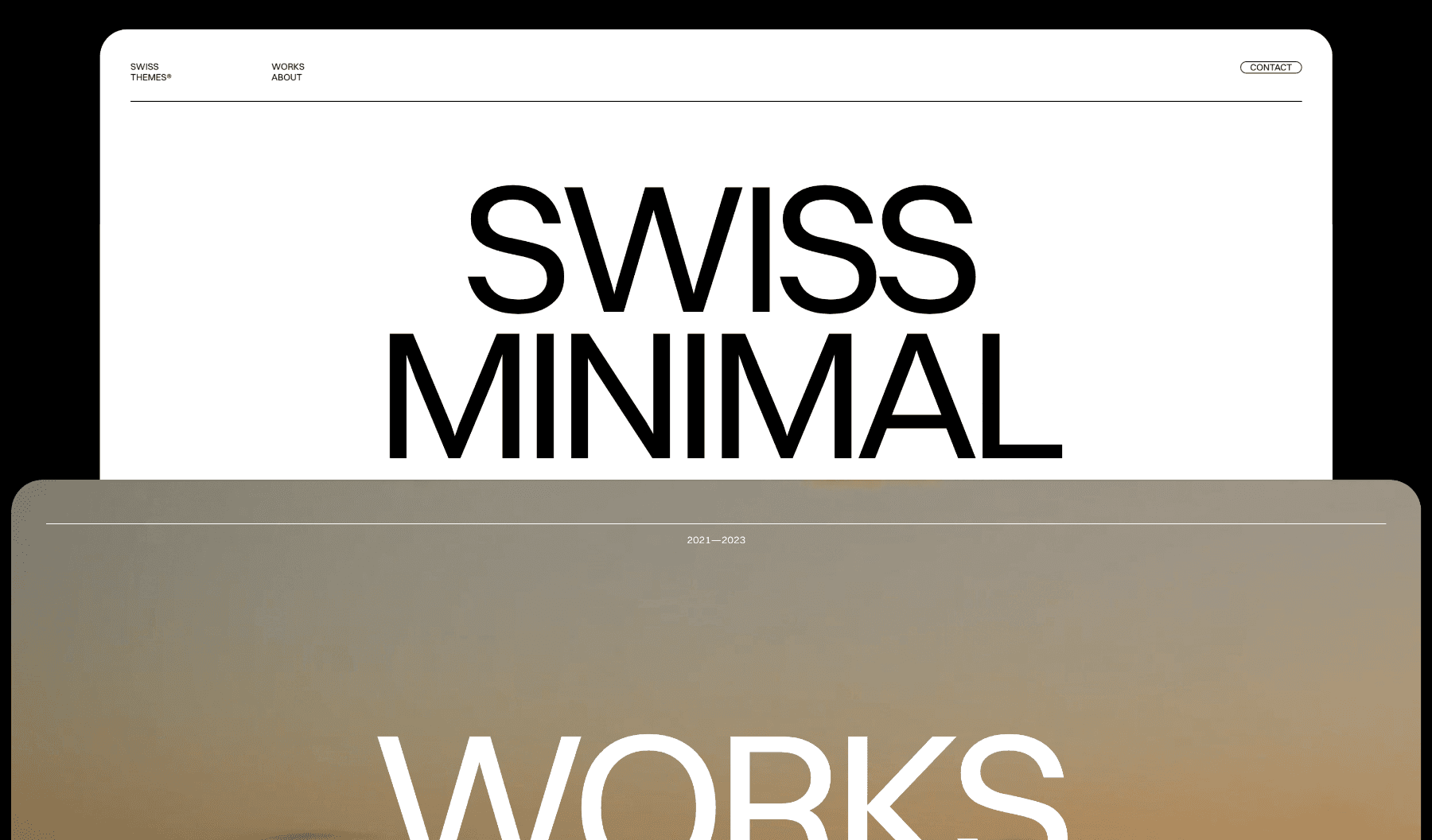
At Swiss Themes, we build every template on Swiss design foundations. Our Framer templates use mathematical grids, typographic scales, and intentional whitespace to create interfaces that feel both beautiful and usable.
Explore our template collection to see Swiss principles applied to modern web design—or use them as a foundation for your own projects.
For a closer look at how those principles translate into complete portfolio, agency, startup, and e-commerce sites, compare these eight Swiss-style website examples.
Start with reduction. Question every element. Build on grids. Treat typography as your primary tool. Give content room to breathe. And always prioritize the viewer’s understanding over your own expression.