Why Minimalism Works in Web Design — and When It Doesn't
Minimalism works when it removes friction without removing meaning. See what cognitive research supports, where the usual advice fails, and how to audit a real interface.
Updated:
Minimalism works when it removes friction without removing meaning. A page with few elements can still be confusing; a dense dashboard can be clear when well organized. Simplicity is measured by the effort required to understand and use a page, not its element count.
Cognitive psychology helps explain why restrained interfaces often feel easier to use, but it does not prove that white space, neutral type, or shorter menus automatically improve a design. This article separates supported claims from familiar advice and offers a practical way to test a page.
Minimalism Reduces Friction, Not Necessarily Content
Useful minimalism identifies what users need to notice, understand, and do, then reduces what competes.
On one checkout page, removing banners, secondary navigation, and unrelated recommendations clarifies the task. Removing field labels, delivery details, and the order summary from another page only hides necessary information.
Hiding familiar links behind a vague menu icon may quiet a header but make the site harder to explore. Removing borders helps when spacing already communicates form groups; otherwise fields may no longer appear related. Minimalism becomes austerity when subtraction hides context, status, or choice.
Cognitive Load: The Interface Should Not Become a Second Task
Working memory is limited. We can only hold and manipulate a small amount of unfamiliar information at once. John Sweller’s early work on Cognitive Load Theory examined how the presentation of instructional material could consume mental capacity that learners needed for the task itself.
Web design is not classroom instruction, so the theory should be used as a lens rather than a universal law. The useful connection is straightforward: an interface can make an already demanding task harder by asking people to process information that does not help them complete it.
Consider an insurance form. The subject matter is inherently complex; visual reduction cannot change the policy rules. Design can still prevent the interface from adding avoidable work:
Keep the current step and remaining steps visible.
Group questions that depend on one another.
Explain unfamiliar terms where they appear.
Hide conditional questions until they become relevant.
Avoid motion or decoration that competes with error messages.
This does not mean every gradient, illustration, or animation creates harmful load. An animation that explains a change of state can reduce confusion. Color can distinguish categories. An illustration can make an unfamiliar process easier to understand. The question is not whether an element is decorative, but whether the attention it requires is repaid with useful information.
Ask what each element makes the user process
For every prominent element, ask:
What information does it communicate?
What decision does it support?
What becomes harder if it is removed?
If the third answer is “nothing,” the element is a strong candidate for removal or demotion.
Processing Fluency: Familiar Often Feels Easier
Processing fluency is the subjective ease with which something is perceived or understood. In a widely cited review, Rolf Reber, Norbert Schwarz, and Piotr Winkielman connected fluent processing with more positive aesthetic responses. Contrast, symmetry, familiar forms, and clear figure-ground relationships can all contribute to that ease.
This helps explain why a well-ordered interface often feels calm before a visitor has read every word. Familiar patterns reduce orientation time:
A logo in the header usually returns to the homepage.
Underlined text is expected to be a link.
A field label is expected to describe the input below it.
A consistent button treatment helps people recognize available actions.
Familiarity is not an argument for making every website identical. It is an argument for spending originality where it adds meaning. A portfolio can have a distinctive composition without inventing a new way to scroll. A store can build a memorable visual identity without disguising the cart.
Fluency also has limits. Easy-to-process information is not automatically accurate, accessible, or useful. A beautifully typeset claim can still be wrong. A conventional pattern can still be inappropriate for a particular audience. Treat fluency as one quality of a good interface, not proof that the interface is good.
Hick–Hyman Law: Fewer Options Is Not a Universal Rule
The Hick–Hyman law is frequently summarized as “more choices cause slower decisions.” The original experiments were narrower. William Hick and Ray Hyman studied reaction time when participants responded to known stimuli with known responses.
That is different from finding a destination in a website menu. Navigation also involves reading labels, recognizing categories, recalling previous visits, and visually searching the available options. Research on visual search in computer menus treats those factors as part of the task.
The practical lesson is more useful than “always show fewer choices”:
Remove choices that are irrelevant to the current task.
Group related choices under labels people understand.
Put frequent or important actions where they can be found quickly.
Reveal advanced options later when they would otherwise dominate.
Do not hide useful choices merely to reach an arbitrary number.
Twelve specific product categories may be easier to navigate than five vague umbrella terms. One clearly organized settings page may be easier than a sequence of sparse screens that forces people to remember what came before.
Progressive disclosure works when it postpones secondary complexity. It fails when it conceals information people need to make the current decision.
Gestalt Principles: Relationships Can Replace Decoration
Gestalt psychology describes ways people organize visual information into groups and wholes. Several principles are especially useful in interface design:
Proximity: elements placed near one another are likely to be perceived as related.
Similarity: elements that share visual characteristics appear to have a common role.
Figure-ground: sufficient contrast helps people distinguish the subject from its surroundings.
Prägnanz: people tend to perceive forms as the simplest stable structure the conditions allow. The APA Dictionary of Psychology also calls this the principle of Prägnanz.
These principles explain why spacing can sometimes replace boxes, dividers, and background panels. If a heading sits close to its paragraph and far from the next section, the relationship is visible without an outline around it.
“Sometimes” is important. A border may still communicate a selectable area. A background may distinguish a warning from ordinary content. A card may show that several controls belong to one object. Minimalism should remove redundant signals, not every signal.
What Swiss Design Contributes
Swiss graphic designers did not arrive at their work by applying modern cognitive research. It is more accurate to say that their methods often align with what later research suggests about attention and visual organization.
Josef Müller-Brockmann used grids to establish consistent relationships before individual elements were placed. Emil Ruder treated typography as the structure of communication rather than surface decoration. Armin Hofmann used contrast, scale, and photography to create immediate visual order.
The point was not simply to use less. It was to make the message legible and the designer’s decisions systematic. Müller-Brockmann’s Grid Systems in Graphic Design, first published in 1981, is explicit about the grid as a tool for organizing information.
For the practical application of grids, type, white space, objectivity, reduction, and clarity, read Swiss Design Principles for Web Designers. Those principles belong there. Here, the relevant lesson is the standard they impose: every visual decision should help establish meaning, relationship, or priority.
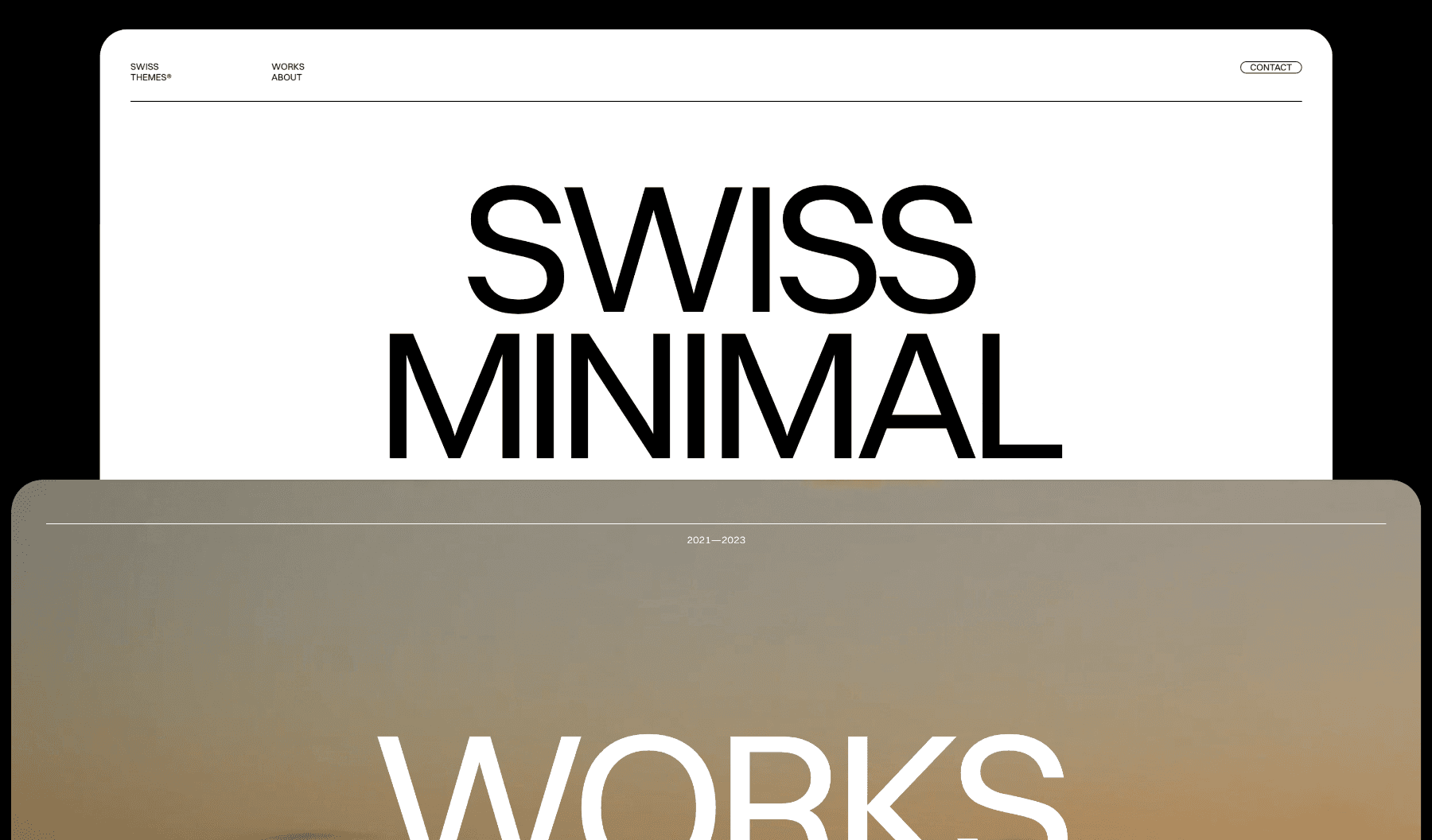
Our Swiss Reduce template applies that standard to a portfolio. Its interface stays quiet so project titles, imagery, and transitions can carry the experience. That approach works when the work is already strong and well curated; reduction cannot create hierarchy that the content itself lacks.
The Cognitive Budget Audit
Every element asks for some attention. Think of that attention as a cognitive budget: limited, valuable, and best spent on what helps the user understand or act.
The Cognitive Budget Audit is a five-step way to examine a page without assuming that “less” is always the answer.
1. Name the primary task
Complete this sentence:
A visitor comes to this page to ______.
Use one main task. A product page may help someone decide whether to buy. A contact page may help someone determine whether the company is relevant and start a conversation.
If the sentence contains four unrelated goals, the page may need stronger prioritization before it needs visual refinement.
2. Classify the visible elements
Mark each section or component as:
Classification | Meaning | Typical examples |
|---|---|---|
Essential | Required to understand or complete the primary task | Product name, price, field label, primary action |
Supporting | Builds confidence or answers a likely question | Testimonial, delivery information, case-study context |
Ornamental | Adds atmosphere but no necessary information | Ambient animation, generic stock image, repeated slogan |
Ornamental does not mean forbidden. It means the element must earn attention through tone, recognition, or emotional effect rather than utility.
3. Remove or demote one element at a time
Do not redesign the page in one sweep. Hide one candidate, then check what changed.
Is the purpose still clear?
Is the next action still obvious?
Did an important relationship disappear?
Did the page become calmer, or merely emptier?
Removing elements one at a time reveals which ones carry information and which ones only occupy space.
4. Test comprehension, not preference
“Do you like this?” produces taste-based answers. Use questions tied to the task:
What is this page for?
What would you do next?
Which information seems most important?
What, if anything, is missing?
A restrained page has not succeeded if people admire it but cannot explain what it offers.
5. Restore what improves clarity
The audit is complete when removing the next element would make the page harder to understand or use. Restore labels, boundaries, instructions, and choices when they reduce uncertainty.
The goal is not the lowest element count. It is the strongest ratio of useful information to competing demands.
When Minimalism Fails
Minimalism usually fails through misplaced subtraction:
It hides navigation
A cleaner header is not an improvement when visitors can no longer predict where the site leads. Keep important destinations visible and name them plainly.
It weakens legibility
Low-contrast text, very light type, and tiny labels are not refined. They make reading dependent on eyesight, screen quality, and lighting conditions.
It removes necessary context
Images without captions, forms without labels, and case studies without roles or outcomes leave people to infer what the designer should have explained.
It treats all complexity as a defect
Some tasks are genuinely complex. Financial tools, medical forms, and professional software may need dense information. The design challenge is to organize that complexity, not pretend it does not exist.
It erases identity
A neutral interface can support expressive content. Applied mechanically, the same restraint can make every brand sound and look interchangeable. Distinctive type, color, imagery, or motion can deserve space when it helps people recognize and remember who is speaking.
A More Useful Definition of Minimalism
Minimalism is not the absence of decoration, the use of one typeface, or a generous amount of white space. Those are possible outcomes, not the method itself.
The method is to identify what matters, remove what competes with it, and organize what remains so its meaning is clear.
Use cognitive research to ask better questions, not to decorate subjective advice with scientific language. Test whether people understand the page. Watch where they hesitate. Restore anything whose absence creates uncertainty.
The best minimal design does not call attention to how little it contains. It gives people exactly enough to continue with confidence.
Sources and Further Reading
John Sweller, “Cognitive Load During Problem Solving: Effects on Learning” (1988)
William E. Hick, “On the Rate of Gain of Information” (1952)
Ray Hyman, “Stimulus Information as a Determinant of Reaction Time” (1953)
Rolf Reber, Norbert Schwarz, and Piotr Winkielman, “Processing Fluency and Aesthetic Pleasure” (2004)
Michael D. Byrne, John R. Anderson, Scott Douglass, and Michael Matessa, “Eye Tracking the Visual Search of Click-Down Menus” (1999)
Josef Müller-Brockmann, Grid Systems in Graphic Design (1981)